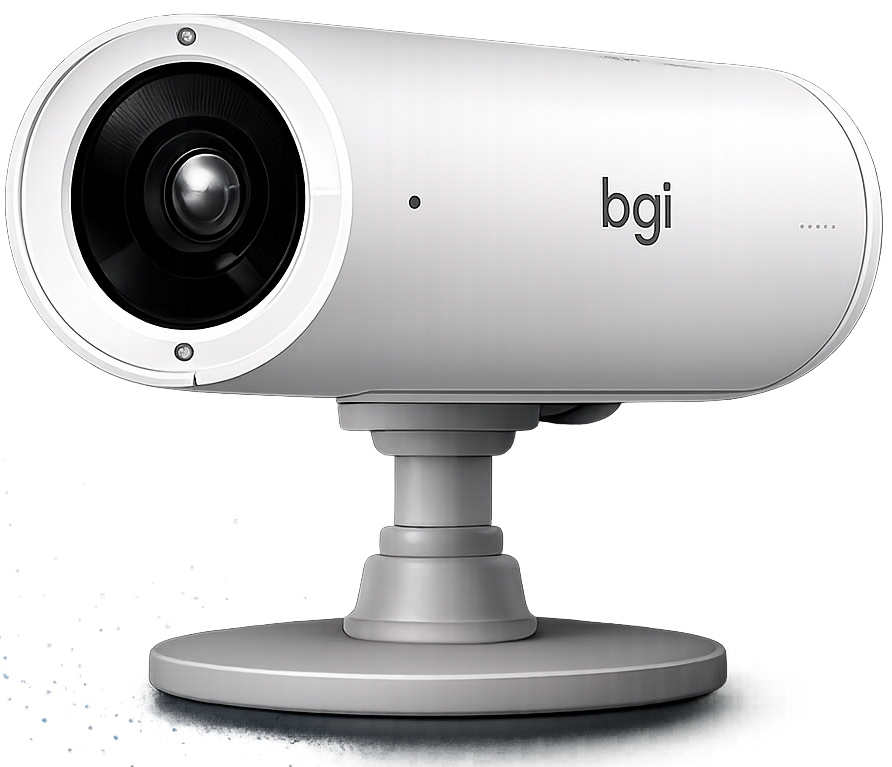
Smart Triggers
Trigger the right content at the right time. Automatically.
WhiteCore.AI turns real-time audience insights, schedules and supported data into automated content delivery, so the perfect message reaches the right screen the moment it matters, without anyone lifting a finger.
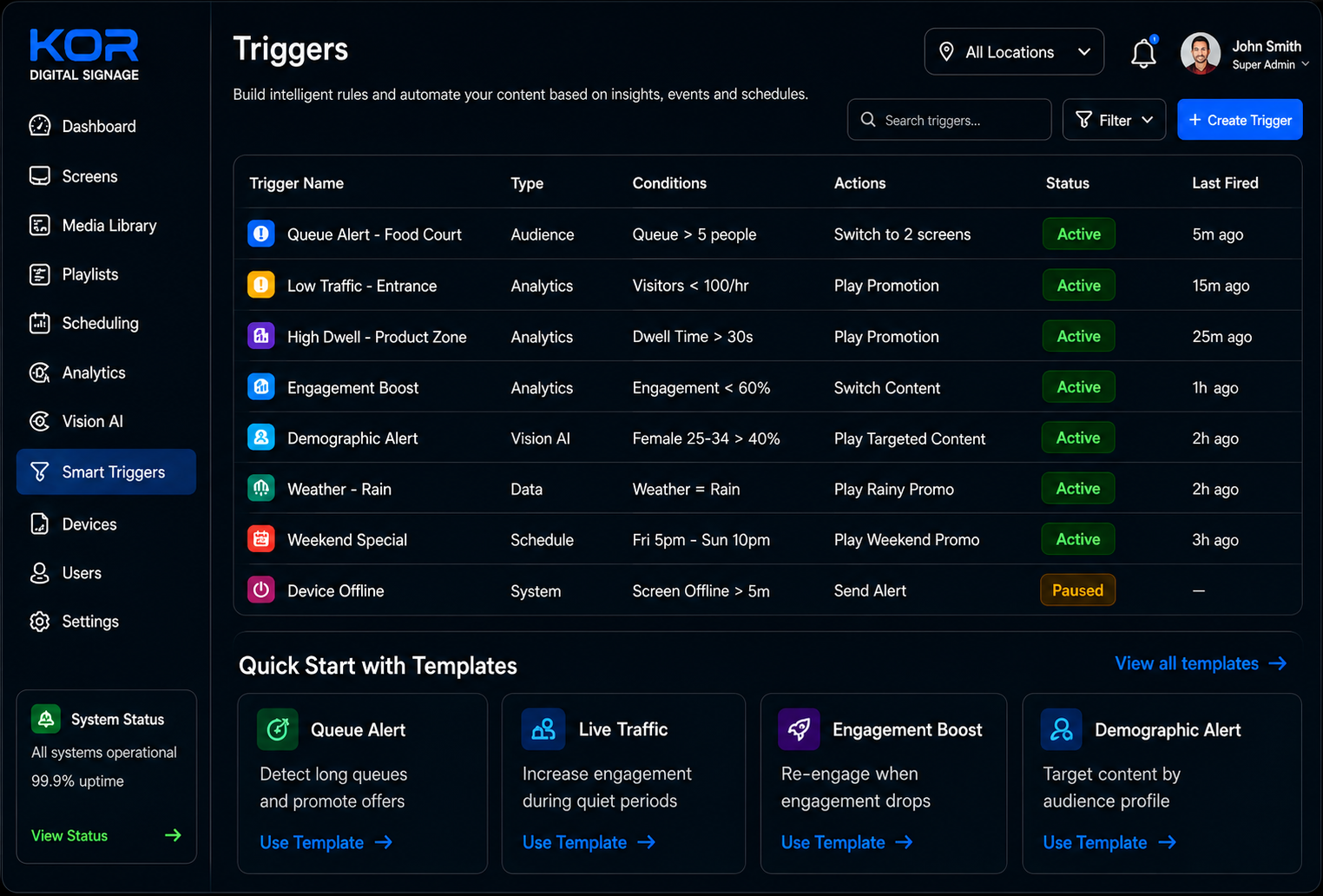
Automation
Automation for every scenario
Six ways Smart Triggers respond to your audience, your schedule and your data, so your screens always show what works.

Real-time Activation
Fire content the instant conditions are met, no manual scheduling, no delay. The right message appears the moment it matters.

Audience Aware
React to who is actually in front of the screen, footfall, engagement and dwell time all become triggers for tailored content.

Schedule & Time
Set triggers by day, time, season or recurring window so the right campaign runs automatically, from breakfast specials to late-night promos.

Performance Driven
Tie triggers to KPIs and let high-performing content earn more screen time while underperformers step aside.

Data & Integration
Use supported schedules and data sources. API and direct POS-trigger integrations are scoped separately and are not included in the current self-service release.

Multi-screen Control
Apply a single trigger across one screen or your entire fleet, keeping every location perfectly in sync.
How It Works
How Smart Triggers Work
From idea to live in six steps, set it once and let your screens run themselves.

Choose a Trigger
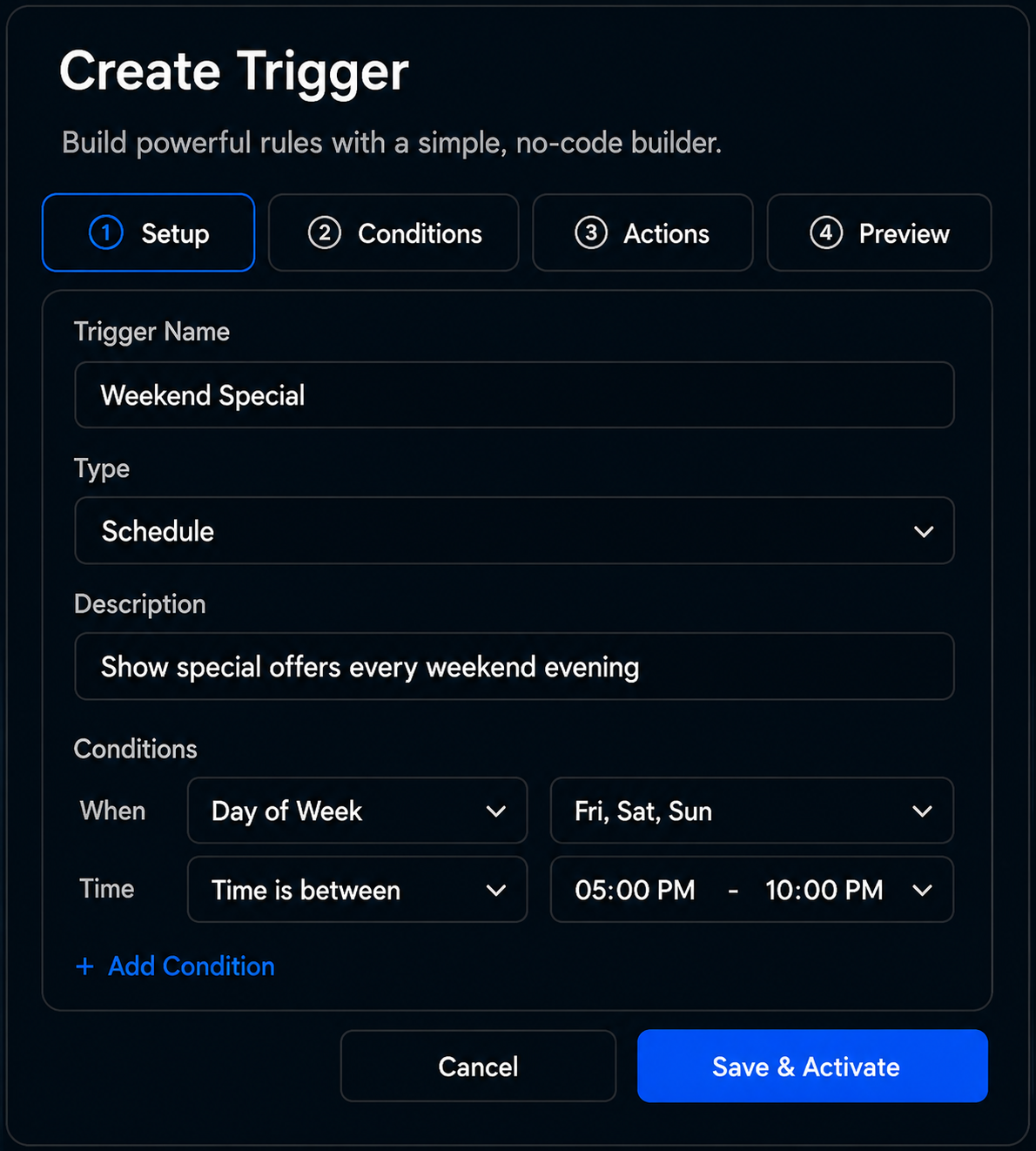
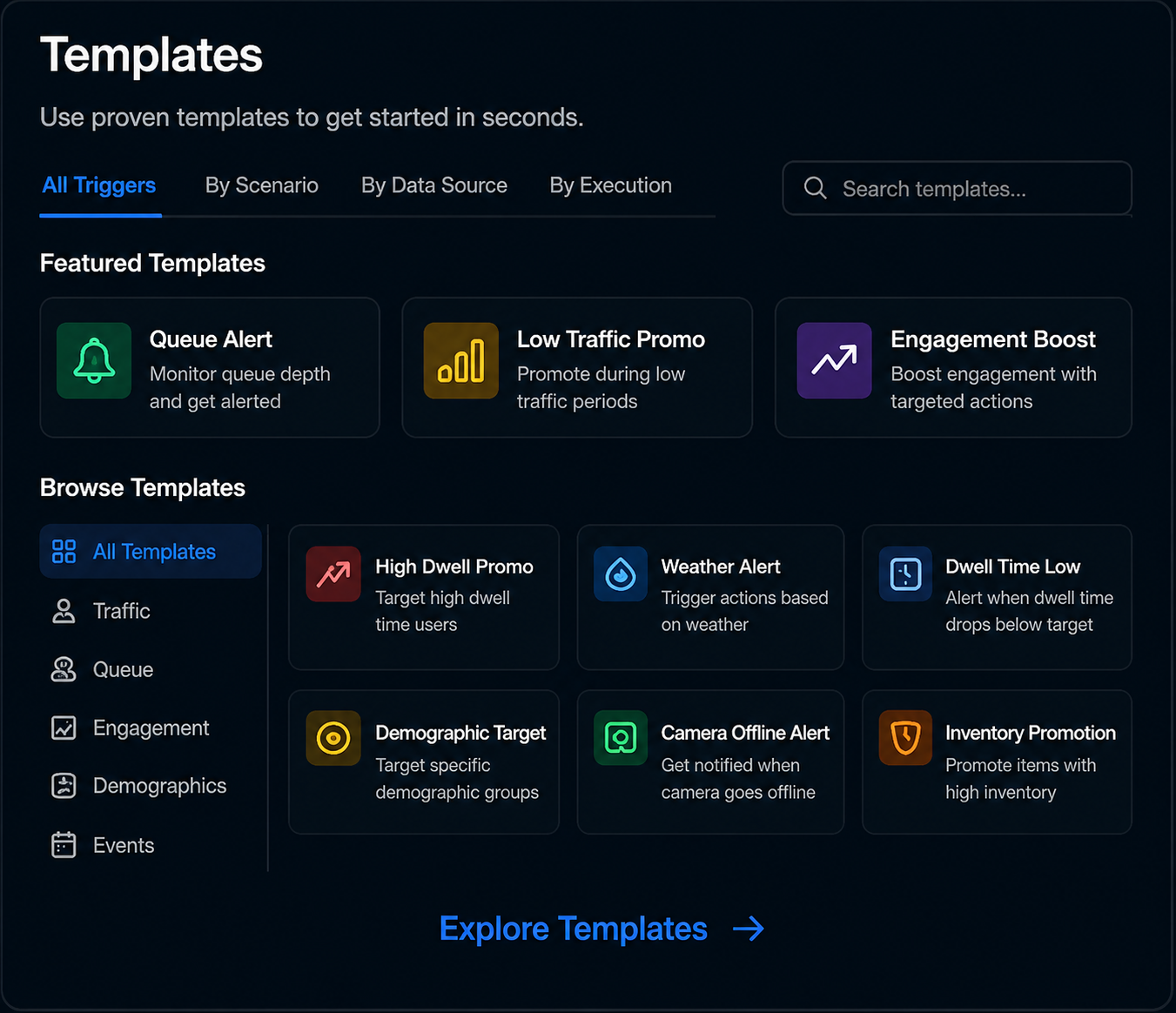
Pick what should set things off, an audience signal, a time window, a data feed or a performance metric.

Set Conditions
Define exactly when it fires, thresholds, date ranges, footfall or live data values.

Set Actions
Decide what happens, swap content, launch a playlist, push a promotion or update a screen zone.

Activate
Go live with one click and let the trigger run automatically across your selected screens.

Analyse & Optimise
Watch how each trigger performs with built-in analytics and see what is driving engagement.
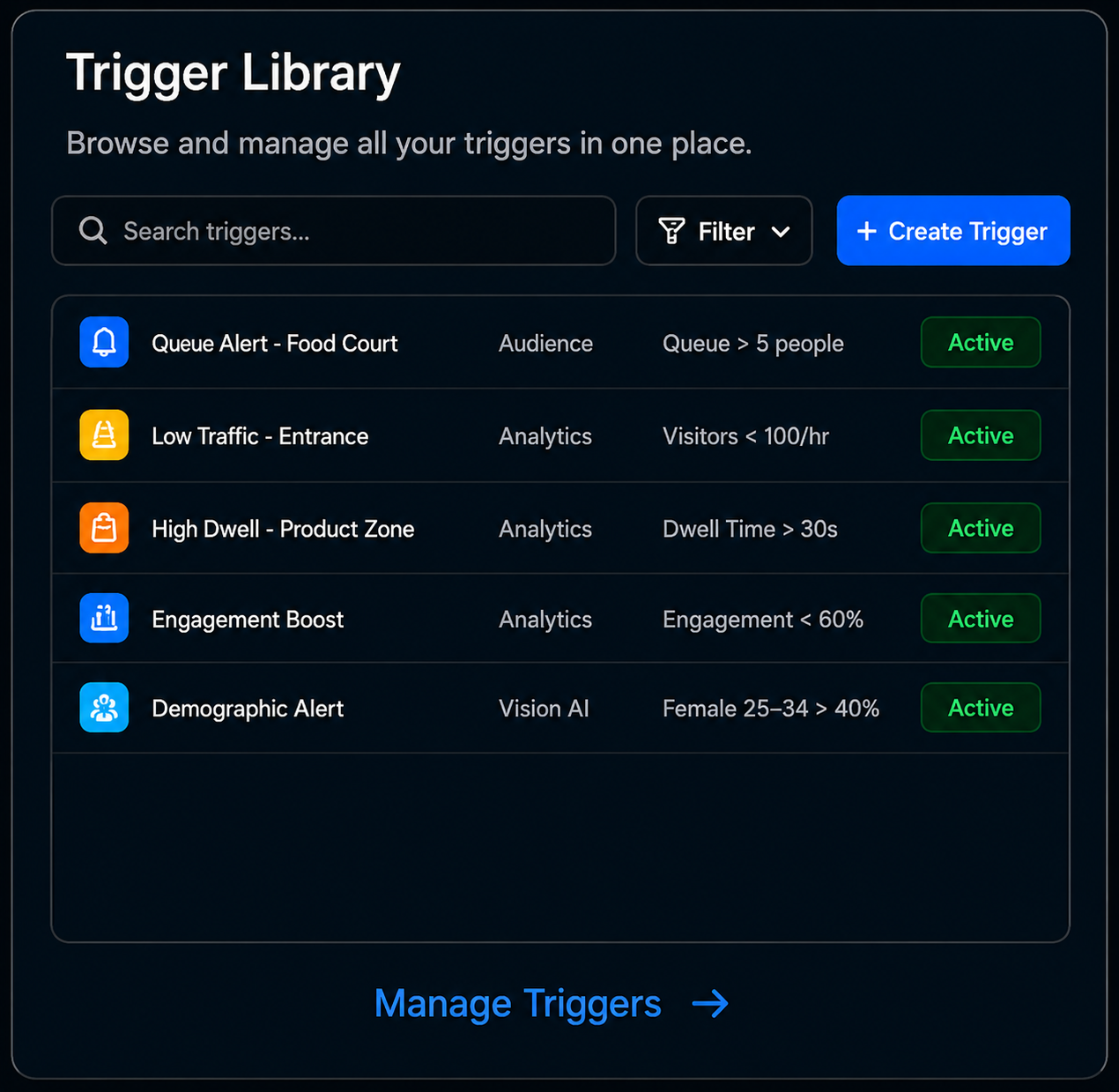
Refine
Adjust conditions and actions based on the data, then let your triggers get smarter over time.
Industries
Power Smart Triggers across every industry
Whatever you run, Smart Triggers adapt your content to the moment, automatically.

Retail
Surface promotions to the shoppers in front of the screen and push offers that match real foot traffic.

Hospitality
Switch menus and offers by time of day, breakfast, lunch, happy hour and dinner, all automatically.

Corporate
Trigger meeting-room, wayfinding and announcement content based on schedules and live occupancy.

Transport
React to timetables, weather and passenger flow to keep travellers informed in real time.

Education
Automate campus announcements, class schedules and event reminders across every display.

Events
Update session info, sponsor content and crowd-aware messaging as the event unfolds.
Smarter content. Stronger impact.
Put your screens on autopilot with Smart Triggers and pair them with WhiteCore.AI media players and AI cameras for a fully automated, audience-aware network.