
Custom Resolutions
Custom Resolutions. Maximum Performance.
WhiteCore.AI gives you the freedom to design at any size. We ensure your PC and LED processor can handle every pixel.

Any X & Y Resolution
Set any custom width and height.

Engineered for 4K
All WhiteCore Player PCs support 4K as standard.

8K On Request
8K and beyond available on request.

Processor Compatibility
We ensure your processor supports the pixel load.

Cloud Optimised
Smart delivery for perfect playback.
Step 1
Resolution Is More Than Just 4K or 8K
LED screens come in all shapes and sizes. What really matters is the total number of pixels, not the name.
| Resolution | W × H | Total Pixels | vs 4K UHD |
|---|---|---|---|
| Full HD | 1920 × 1080 | 2,073,600 | 25% |
| 4K UHD | 3840 × 1080 | 4,147,200 | 100% |
| 8K UHD | 7680 × 4320 | 33,177,600 | 400% |
| Ultra-Wide | 8960 × 384 | 3,440,640 | 41% |
| Banner | 15360 × 256 | 3,932,160 | 47% |
| Super Wide | 12288 × 768 | 9,437,184 | 114% |
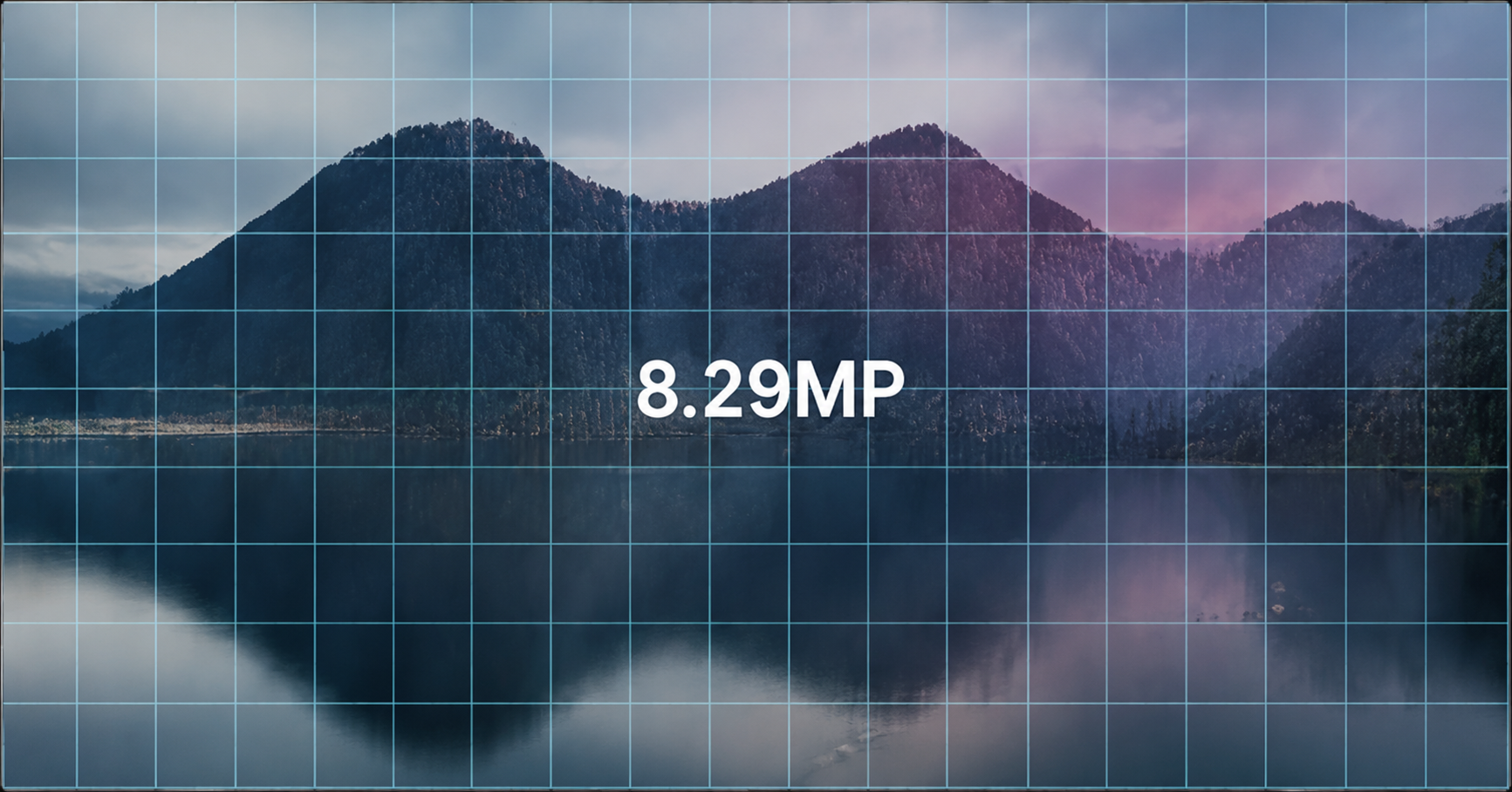
4K UHD
3840 × 2160
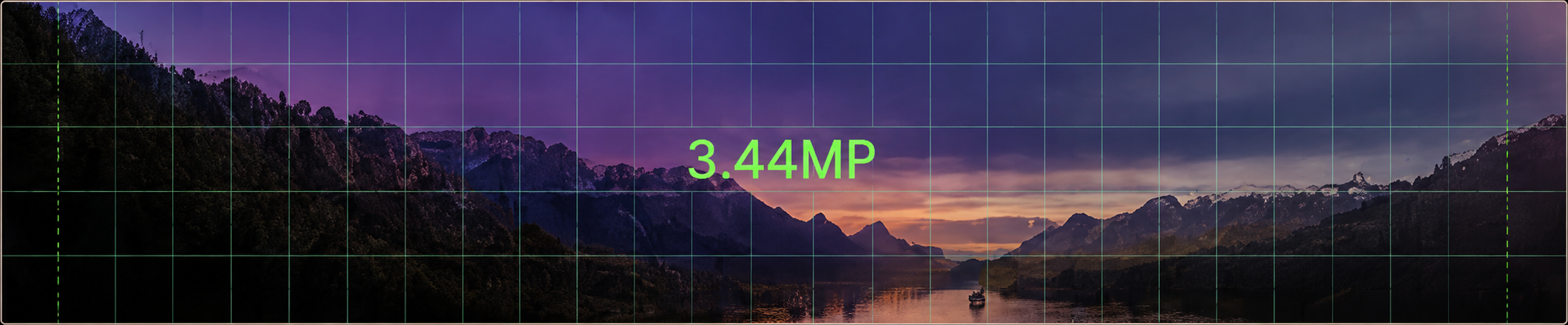
4K UHD (Wide)
3840 × 1080
Step 2
The 3 Key Components That Determine Performance
All three components must work together and support the required resolution, from the CMS to the GPU to the LED processor that drives your display.

CMS / Studio
WhiteCore.AI Studio
- Set any custom resolution
- Total pixel calculation
- Optimised content delivery
- No forced resizing or cropping

PC / GPU
Kraken Player
- Must support the resolution
- 4K as standard
- 8K on request
- GPU accelerates playback

Signal & Mapping
LED Processor
- Must support input resolution
- Must support pixel capacity
- HDMI 2.1 or DisplayPort recommended
- Check max width / height & total pixels

The Canvas
KLED Display
- Built for any shape and size
- Ultra-wide and banner formats
- Architectural-scale displays
- Pixel-perfect output end to end
Step 3
How Content Goes From Studio to Your LED
A seven-step pipeline that preserves every pixel, from upload to the screen on your wall.
- 01

Upload in Studio
Drop your content into WhiteCore.AI Studio at full quality.
- 02
Stored in the Cloud
Securely stored with AES-256 encryption.
- 03

Optimised Delivery
Smart delivery routes content for perfect playback.
- 04

Sent to Player
Pushed to the Kraken Player on site.
- 05

Rendered by GPU
The GPU renders every pixel at your exact resolution.
- 06

Output to Processor
Signal is sent to the LED processor over HDMI / DisplayPort.
- 07
Shown on LED
Your content is displayed exactly as you uploaded it.
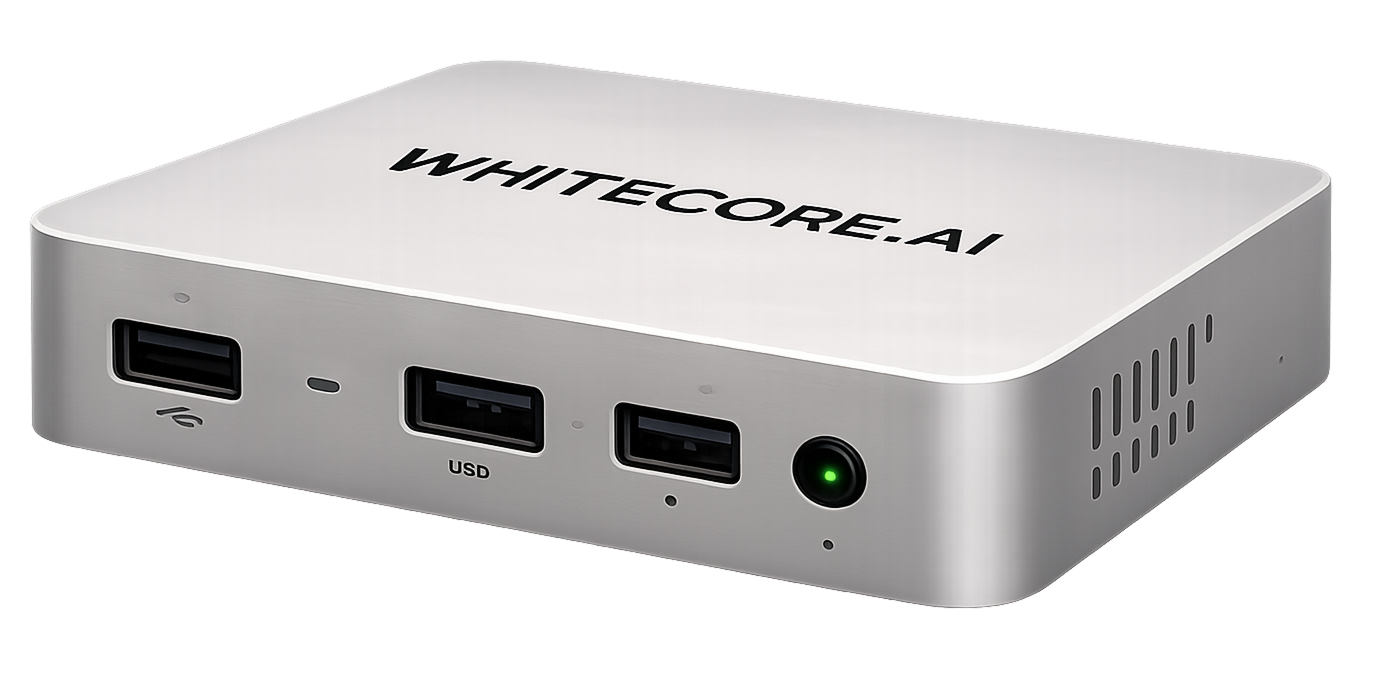
PC Must Support 4K Resolutions
- All WhiteCore Player PCs are 4K-capable as standard
- Built for 24/7 signage and ultra-wide canvases
- Powerful GPU for smooth playback at any resolution
- 8K and beyond available on request
Customer Assurance
We pre-configure and test all systems to ensure your PC can handle the resolution you need.
Step 4
Processor Must Support Your Resolution
The LED processor is critical. It must support the input resolution, bandwidth and total pixel capacity.
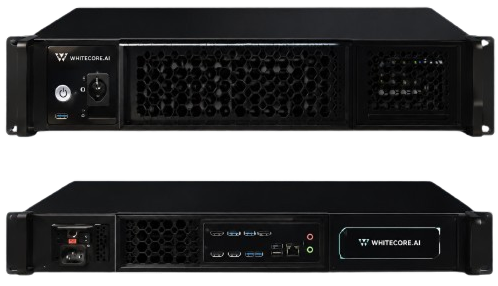
NovaStar
Industry-leading LED processing for the widest range of resolutions.
Brompton
Premium processing for high-end and broadcast-grade installations.
HDMI 2.1 / DisplayPort
Higher-bandwidth connections for large pixel counts.
Max Dimensions
Check supported max width, height and total pixel capacity.
Multiple Outputs
Combine outputs to drive extreme ultra-wide sizes.
Step 5
Bandwidth & Connection Guide
The right connection determines how many pixels you can drive, and how smoothly.
| Connection | Max Res (example) | Max Refresh | Notes |
|---|---|---|---|
| HDMI 2.0 | 3840 × 2160 (4K) | 60 Hz | Limited bandwidth |
| HDMI 2.1 | 7680 × 4320 (8K) | 60 Hz | Good for most setups |
| DisplayPort 1.4 | 7680 × 4320 (8K) | 120 Hz | High bandwidth |
| DisplayPort 2.1 | 15360 × 8640 (16K) | 120 Hz+ | Best for ultra-wide / future proof |

Any Size. Any Shape. Maximum Quality.
From ultra-wide ribbons to massive architectural displays, WhiteCore.AI and Kraken Player deliver pixel-perfect playback.