
Camera Setup & Integration
Camera Integration, Two Ways.
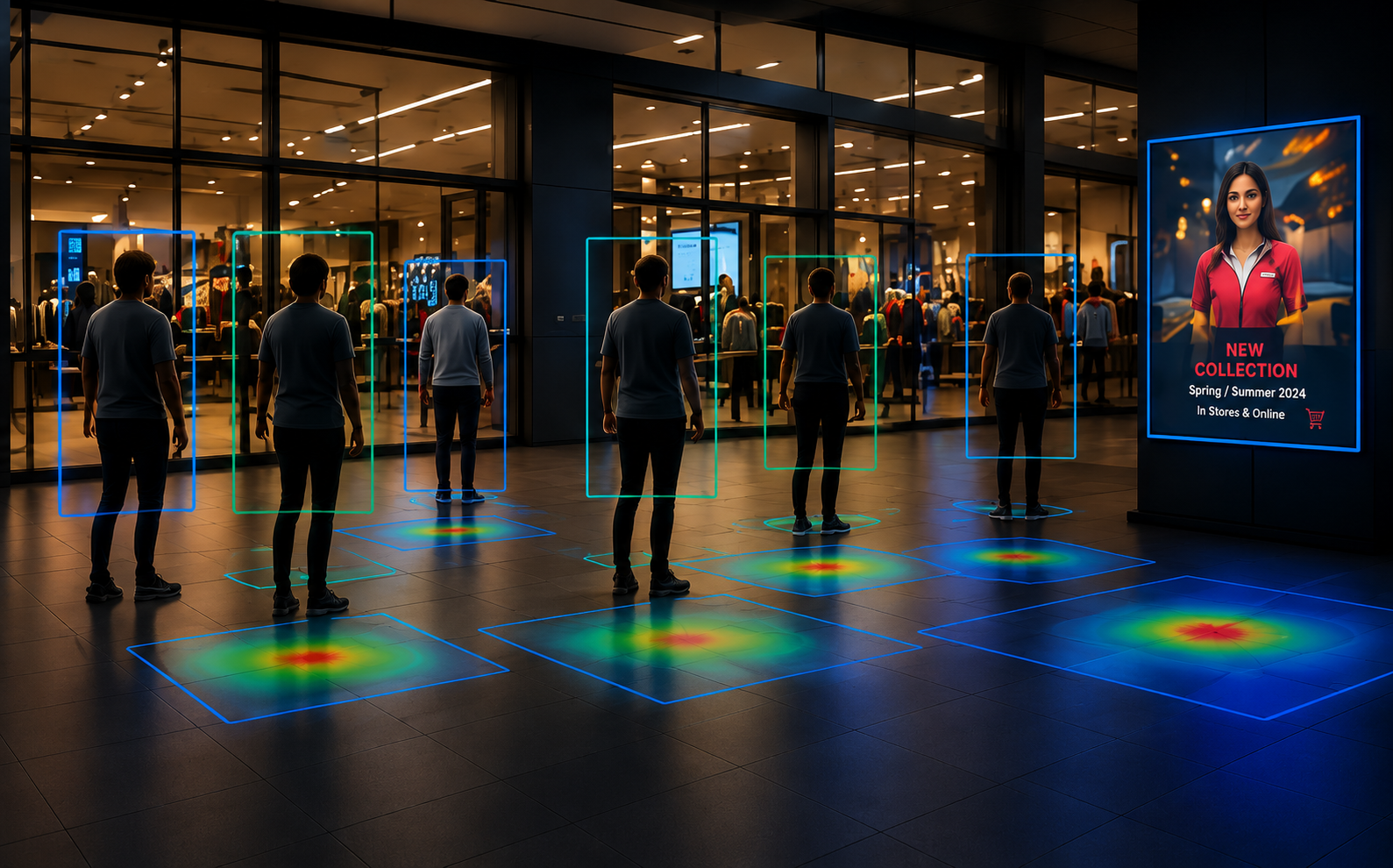
Add AI camera analytics to your screens however suits your site, a fresh, plug-and-play install with WhiteCore USB cameras, or a retrofit that taps the IP CCTV and NVR you already have over RTSP. Either way, you get people counting, dwell time, zone occupancy, heatmaps and real-time event triggers.

Part 1, Fresh Install
Fresh Install with USB Cameras
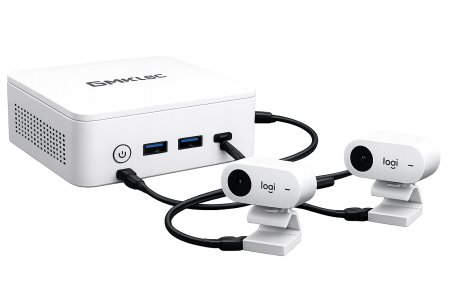
A complete solution with WhiteCore USB cameras and media player. Install the cameras, plug them into the player, and start collecting data, detecting events and triggering content in real time.
How It Works

Purchase & Setup
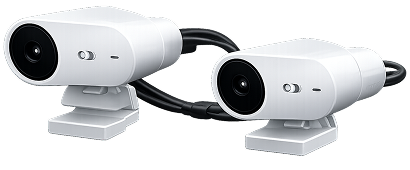
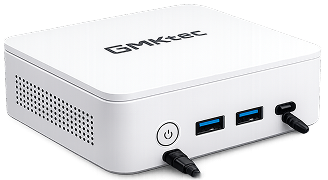
Get a WhiteCore media player together with WhiteCore USB cameras.
Install USB Cameras
Mount the USB cameras in the key areas of your venue.
Connect to Media Player
Plug the USB cameras directly into the WhiteCore media player.

AI Processing
The player detects people, dwell time, zone occupancy and events in real time.

Data to Cloud
Events and analytics are securely sent to the WhiteCore cloud.

View in Dashboard
Monitor live analytics, reports and content triggers from one dashboard.
System Diagram
USB cameras to media player to edge AI to the WhiteCore cloud dashboard.
What You Get

People Counting
Accurate foot traffic data in real time.

Footfall & Dwell
Measure audience volume and engagement.

Dwell Time
Measure engagement and how long audiences stay.

Event Triggers
Trigger content based on audience behavior.

Heatmaps
Visualize high traffic and engagement zones.
Why USB Cameras

Plug & Play Setup
Easy USB connection for fast deployment.

Edge AI Processing
All AI runs on the device for privacy and speed.

Secure & Reliable
Encrypted data transfer to the cloud.

Scalable Solution
Add more cameras and players anytime.
In Action
Part 2, Retrofit
Retrofit to an Existing IP CCTV Network
Already have IP cameras and an NVR? Use them. We connect to your existing CCTV infrastructure over RTSP, no camera replacement, no rewiring.
What We Need From You

RTSP URLs
The streaming URLs for your existing IP cameras.
NVR Credentials
A username and password with read access to your NVR.
We will handle the rest.
How It Works

Existing IP Cameras
Keep using your current IP cameras and NVR, no replacement needed.

Provide Access
Share your RTSP URLs and NVR credentials with us.

Connect & Pull Streams
The WhiteCore media player is configured to pull your camera streams.
AI Processing
Streams are analyzed for people, dwell time, zone occupancy and events.
Data to Cloud
Events and analytics are securely sent to the WhiteCore cloud.

View in Dashboard
Monitor live analytics, reports and content triggers from one dashboard.
Why Retrofit

Use Your Existing Investment
Use your current cameras and NVR.
Real-time AI Analytics
Detects and analyzes activity in real time.

Minimal Disruption
No rewiring or camera replacement required.

Cloud Connected
Secure data and insights in your dashboard.

Actionable Insights
Use data to optimize content and operations.
System Diagram (Retrofit)
Existing IP cameras and NVR to RTSP streams to edge AI to the WhiteCore cloud dashboard.
No New Cameras Needed
Use your existing IP cameras.

Fast Integration
We handle the configuration for you.
Advanced AI
Powerful analytics and event detection.
Centralized Dashboard
All analytics in one platform.
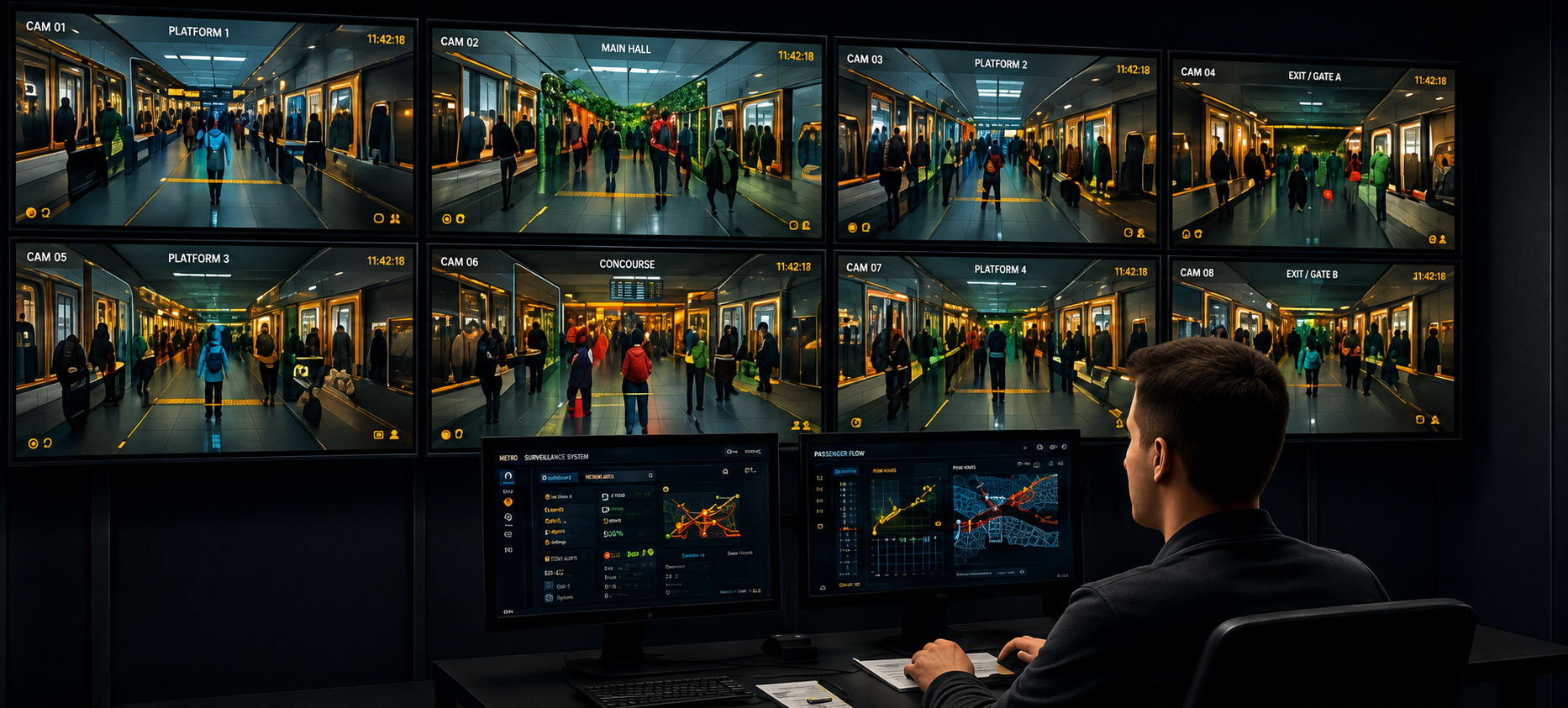
In Action
Where Camera Data Goes Next
Once your cameras are live, the rest of the WhiteCore.AI platform turns that data into action.
Ready to put your cameras to work?
Start fresh with USB cameras or retrofit the IP CCTV you already own, we'll help you pick the right path.